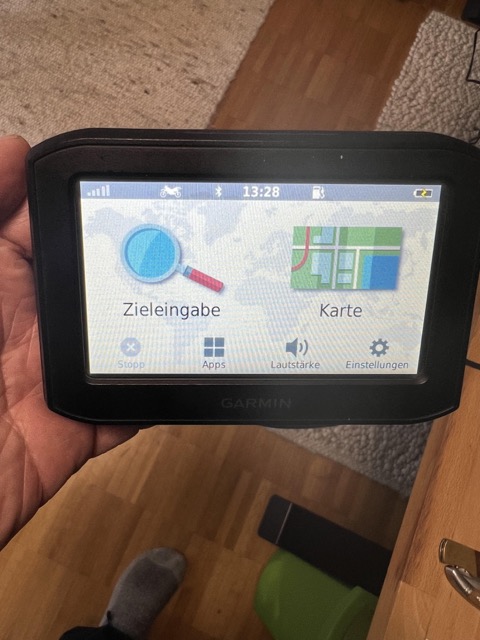
Garmin Zumo 396 LM Batterie Wechsel

Da gibt’s gar nicht viel zu sagen:

Ich habe mir bei Ebay eine neue Batterie besorgt:
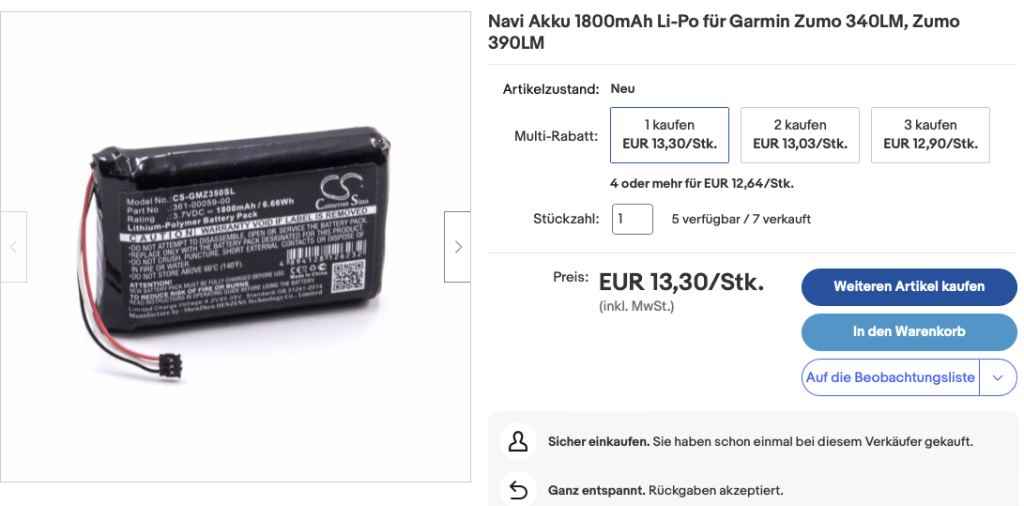
Wie unschwer erkennbar ist, fehlt auf der Beschreibung der Typ 396, aber die 3xx Reihe verwendet wohl überall den gleichen Akku.

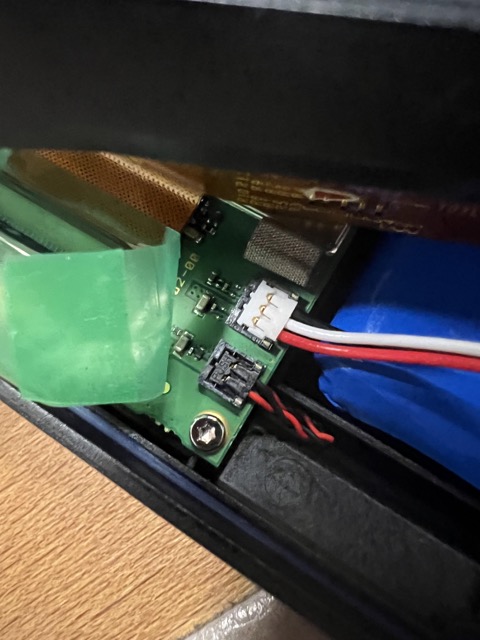
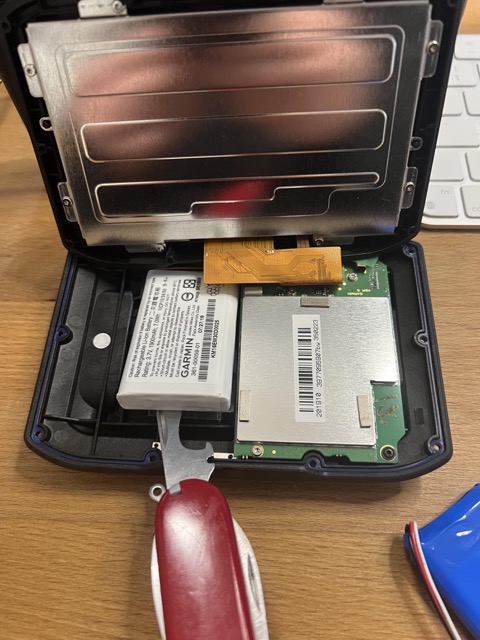
Nach Ankunft des neuen Akkus habe ich den Zumo aufgeschraubt (ne Menge Torx-5 Schrauben) und den alten Akku rausgehebelt. Durchaus etwas beherzt mit meinem Spezialwerkzeug (s. Foto).
Eine Wärmebehandlung wäre wahrscheinlich hilfreich, aber unnötig, gewesen.
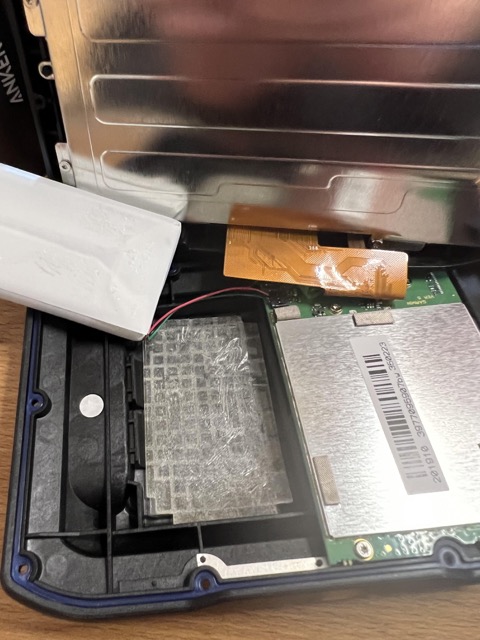
Dann Stecker abgezogen, neuen Akku eingesetzt, Stecker wieder drauf (bisschen kompliziert: Von oben reindrücken und dann nochmal drücken, damit er wirklich hält), Kleber wieder drüber und fertig.

Funzt!

Mounting an encrypted Synology Folder on a Linux server

Problem:
I have an old Synology NAS with some encrypted TimeMachine folders.

These folders have to be moved to my shiny new TrueNAS but preferably without using the slow 1GB network connection.

Solution
„Just“ put one of the HDDs in the Proxmox server where the TrueNAS is running on and mount the directories.

Tidbit 1: Synology makes use of a software RAID and LVM.
Tidbit 2: I have extended my NAS so that there are now 2 logical volumes that create a bigger volume group

  1. mdadm –assemble –run /dev/md0 /dev/sdi5
  2. vgchange -ay –activationmode partial
  3. mdadm –assemble –run /dev/md1 /dev/sdi6
  4. vgchange -ay –activationmode partial
  5. mkdir /mnt/vg1000
  6. vgdisplay (just to know what’s going on)
  7. mount /dev/vg1000 /mnt/vg1000
  8. mkdir /mnt/timemachine
  9. mount -tecryptfs /mnt/vg1000/@TimeMachine@/ /mnt/timemachine

# aes
# 32 bytes
# plaintext passthrough - n
# filename encryption - y

Obviously(?) my drive was /dev/sdi with two interesting (big) partitions (sdi5 and sdi6)

You still need the passphrase for the decryption of the folder and you need the appropriate tools installed

apt install ecryptfs-utils mdadm

Et voilà: /mnt/timemachine will provide the Timemachine folders… (which probably also contain an encrypted TimeMachine backup once again…)

Have fun!